GenAI Analytics
This page consists of two menus. The first displays general statistics on GenAI usage, while the second provides information on the number of blocking events that occurred during the specified period.
GenAI Statistics Overview
This section provides an overview of all GenAI application traffic for all users over a specified period of time.
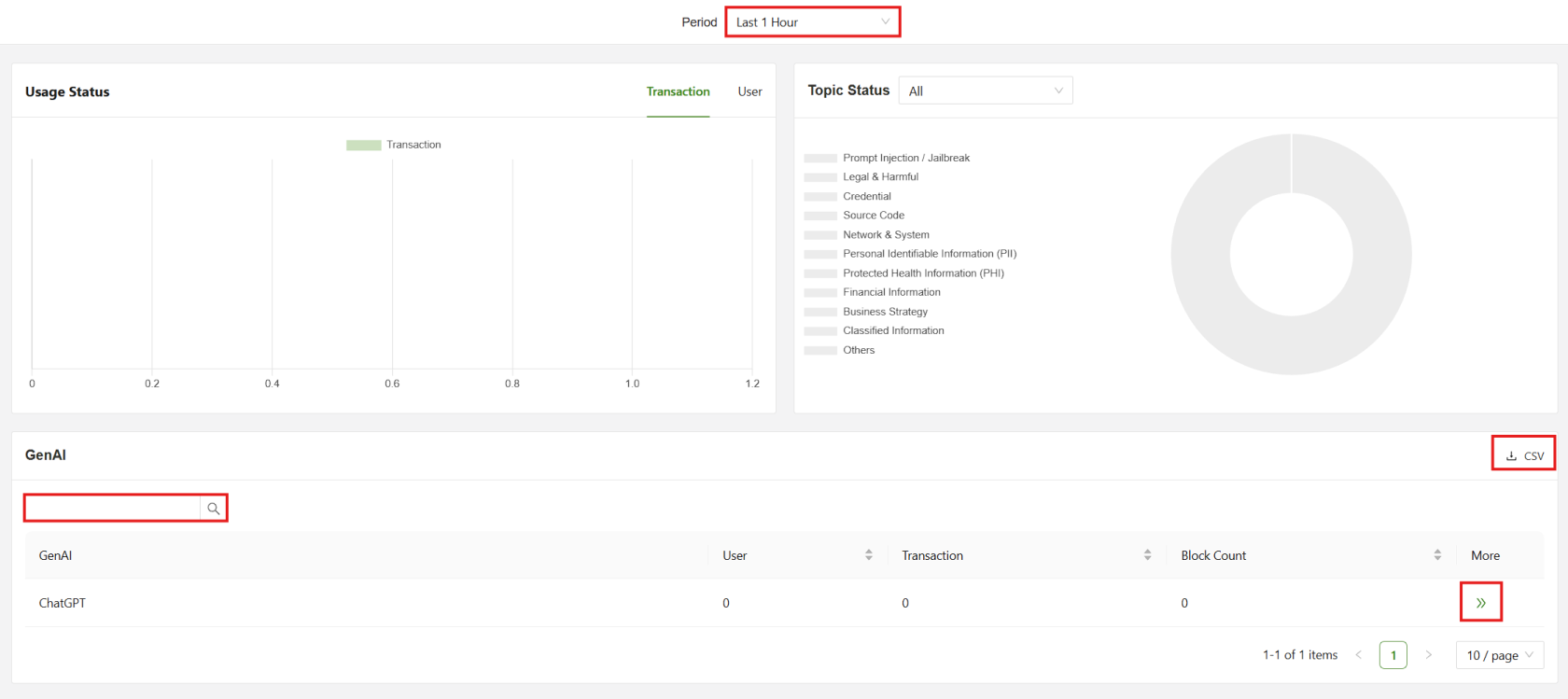
The Statistics page will show Traffic and User information for GenAI applications:
- Period: Filter the display based on the selected period of time
- Search: Filter the list for a specific GenAI application
- CSV: The list is downloadable as a CSV
- >> button: Links to a more detailed view of the Category
Clicking on the More button below the graph will display a full list of all GenAI apps, not just the top 10
Individual GenAI Statistics
This page consists of the information regarding the GenAI Application and its overall traffic usage in the current calendar month.
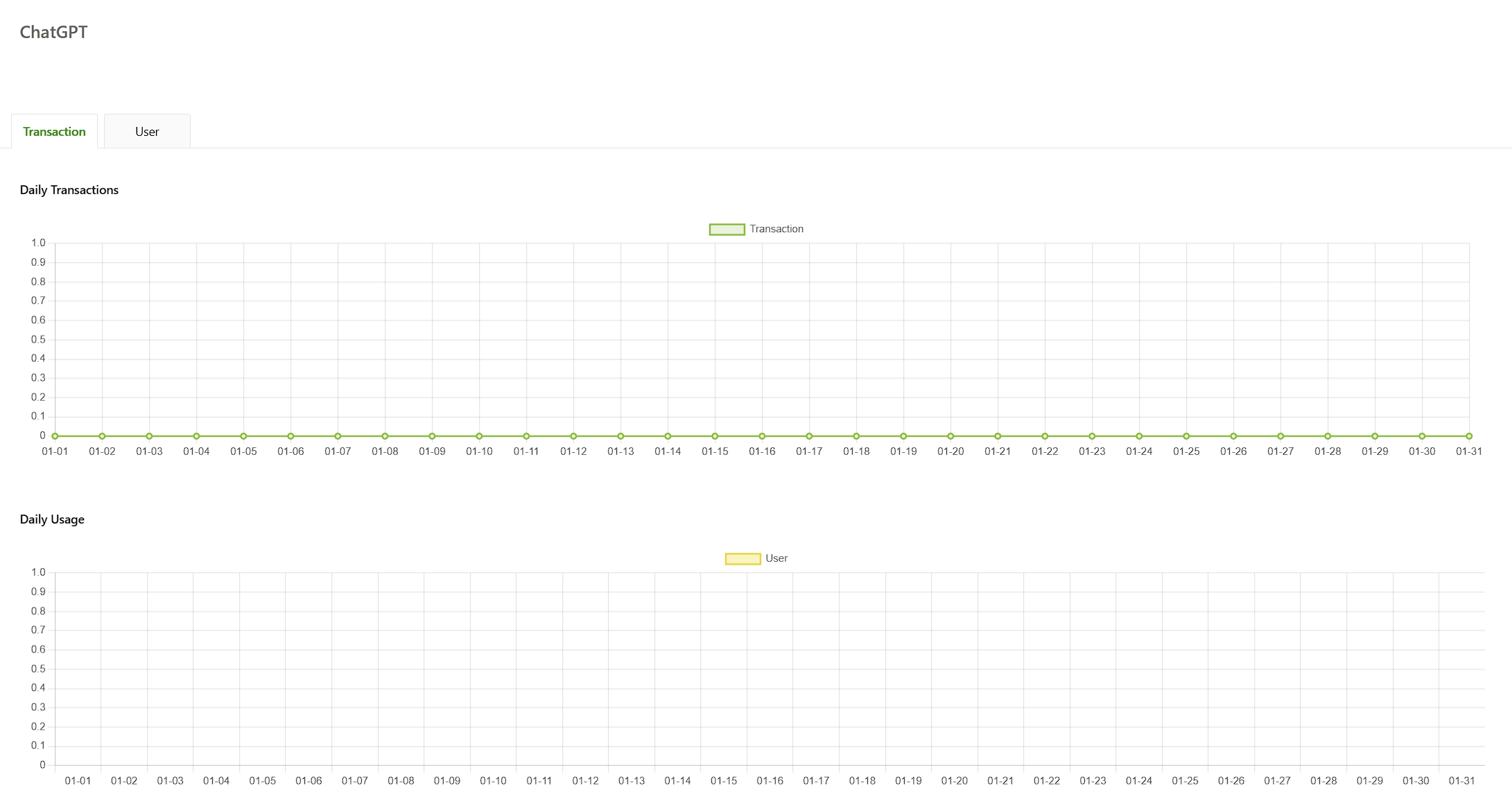
The Transaction tab provides basic information regarding the daily usage of the specified application for the current calendar month.
The User tab shows a list of the names of the users who have accessed the application and the amount of traffic the user has sent over the past calendar month for that service.
GenAI Statistics > Traffic
This tab shows two graphs that basic information regarding the daily usage of the specified GenAI application for the current calendar month.
GenAI Statistics > User
This tab shows a list of the specific users that have used the GenAI application and the amount of traffic between the user and the application.
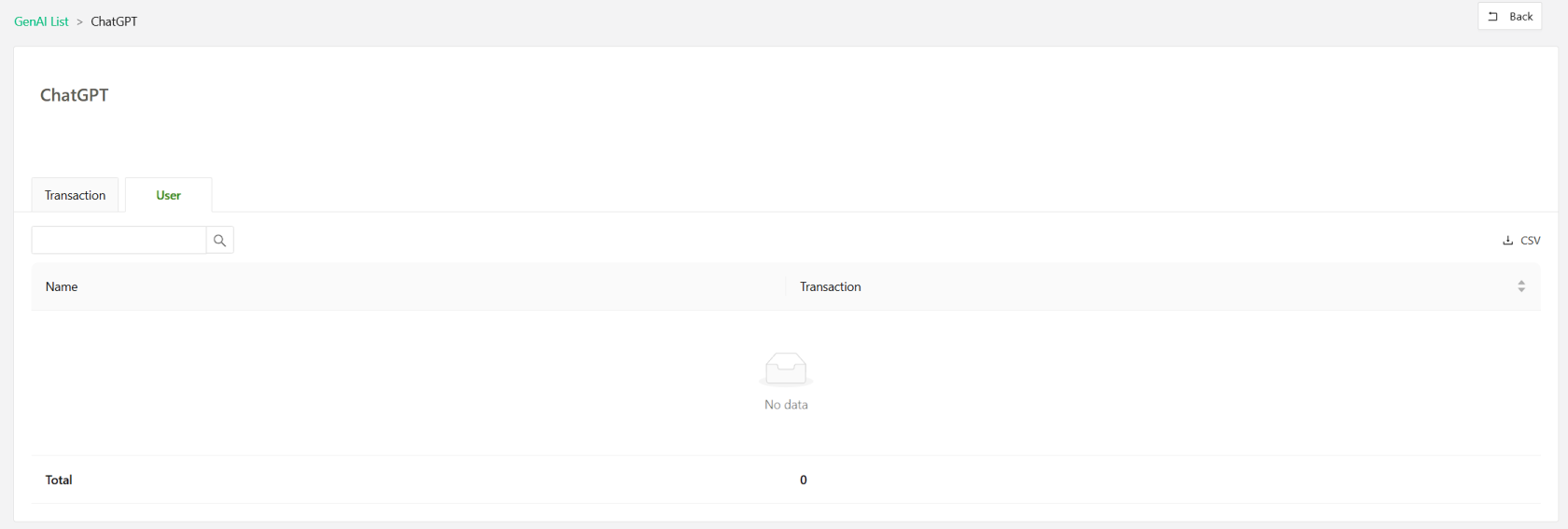
- Search: Use the input field to filter the users by name.
- CSV: Download the list as a CSV.
Block Event
The block event page shows a variety of graphs displaying the top 10 block event count broken into the four main groups: Block Status, Keyboard, Topic Block Status, and File Upload.
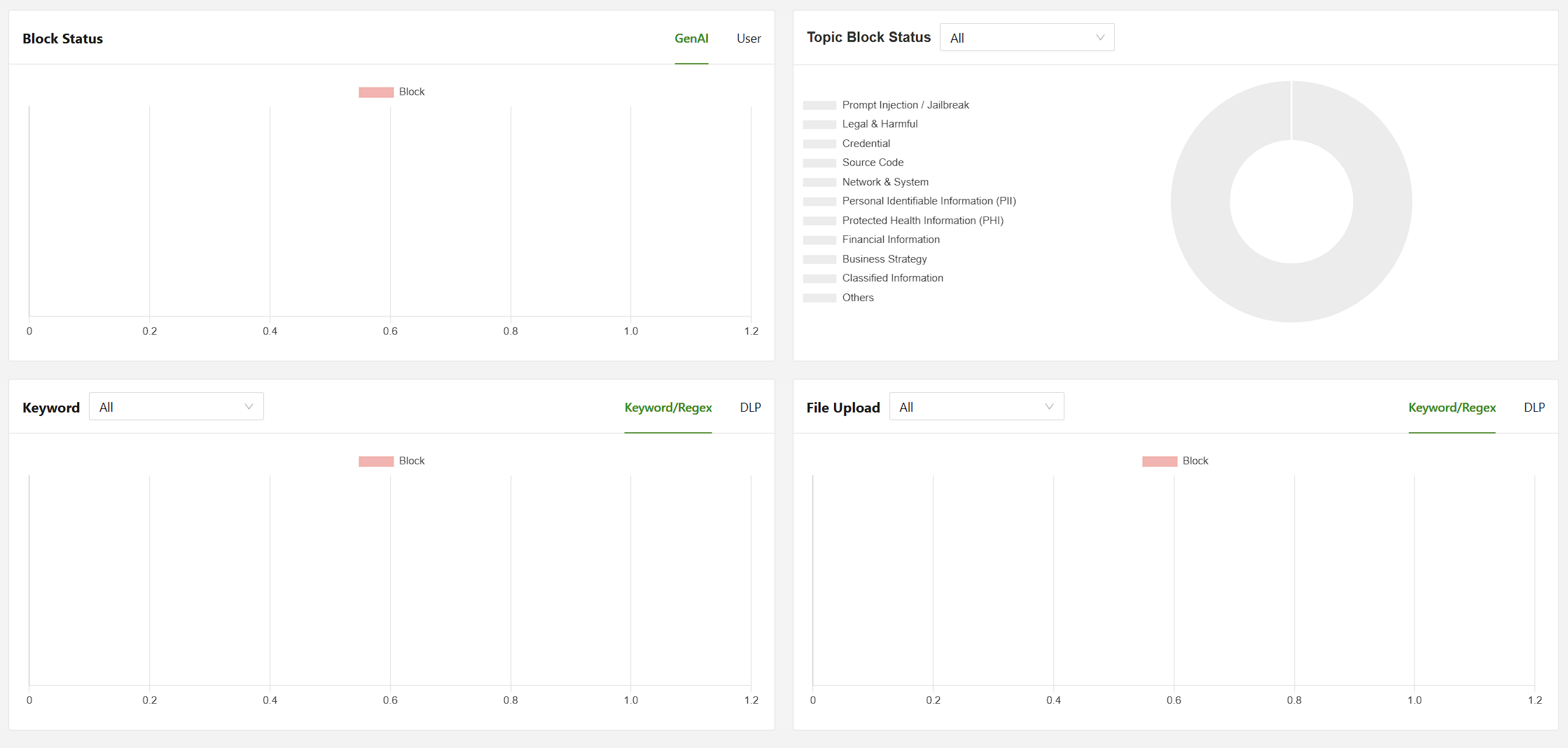
Keyword and File Upload can be further divided into Keyword/Regex and DLP.