DNS Analytics
This page shows the traffic through the DNS firewall for applications that have their access controlled through the DNS Firewall in the Network tab.
Statistics
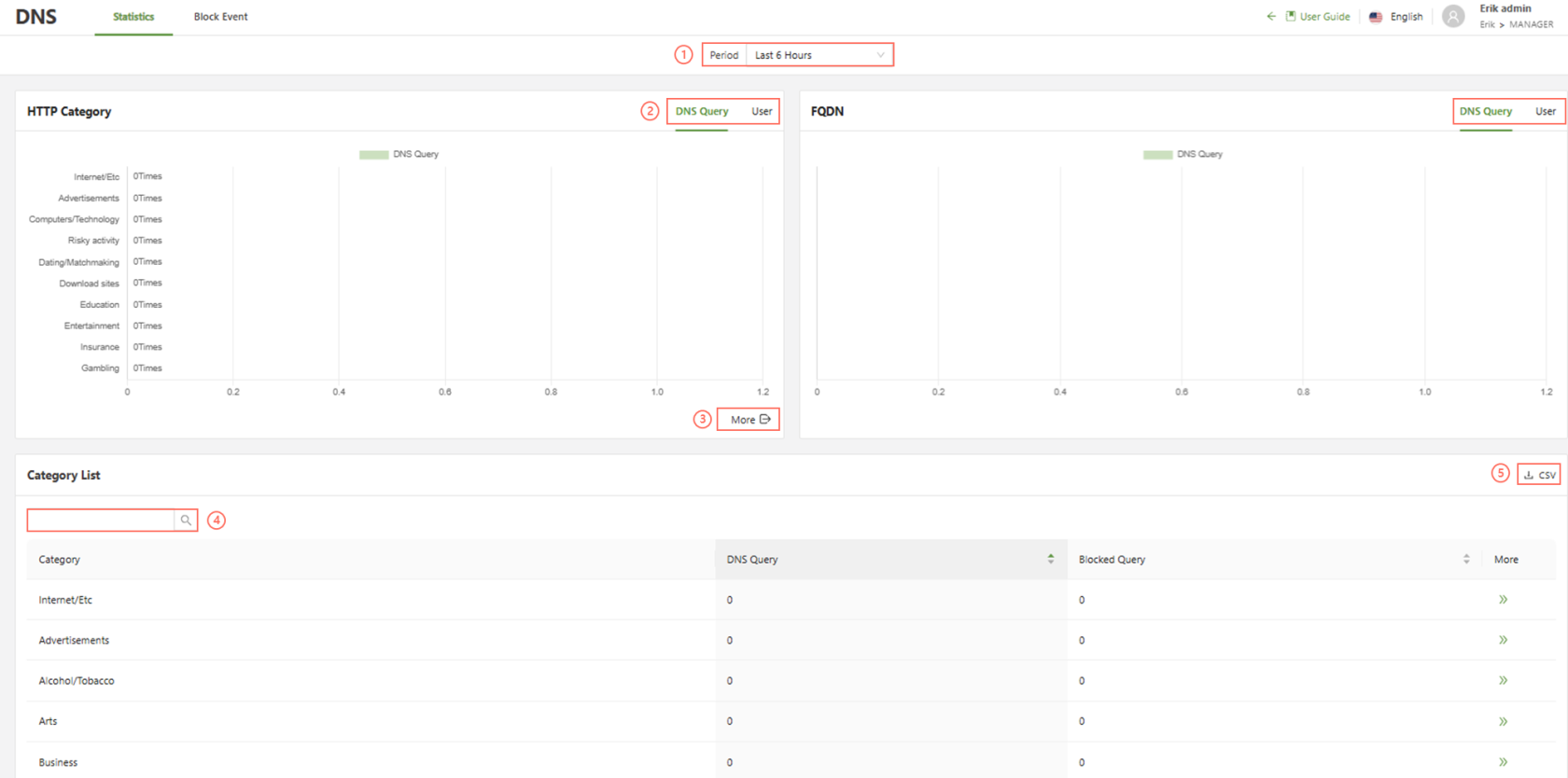
The Statistics page will show HTTP category and FQDN information, categorized by either DNS Query or User. Simply click the item labeled DNS Query or User to swap between the two.
- Period: Filter the display based on the selected period of time.
- DNS Query | User: Filter the display based on DNS query type or by user.
- More: Shows a full view of all applications in the graph.
- Search: Filter based on the specified fields.
- CSV: Download the list of files in a CSV format
The DNS Query tab will show traffic by each type of query, by number of query, and the Usertab will show the HTTP category or FQDN by amount of users using the service over the time period specified.
Block Event
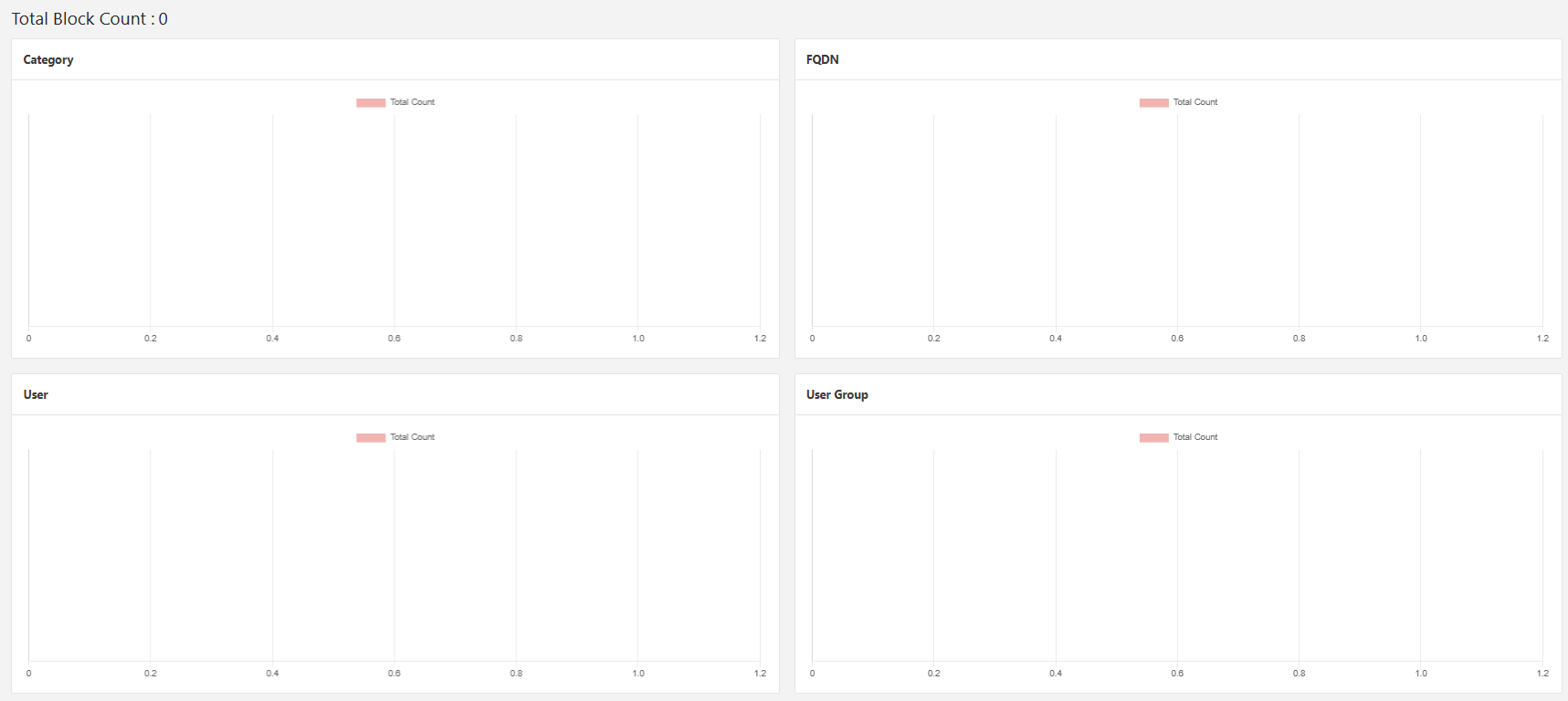
The block event page shows a variety of graphs displaying the top 10 block event count broken into the four main groups, Category, FQDN, User, and User Groups.