SSO Overview
The SSO tab of the Login Settings menu is for the Single-Sign On function. Currently on the SSE, there are four 3rd party SSO platforms that can be configured using the user console.
- OKTA
- Azure AD
- RAON
SSO Menu
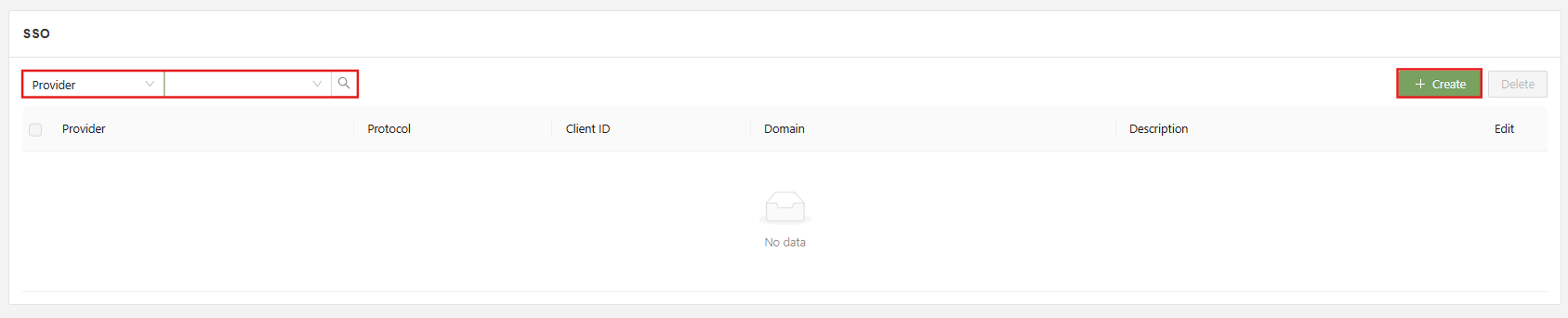
The main functions of the SSO menu are:
- Search: Filter the list of SSO providers using the specified field.
- Checkbox: Used in conjunction with the delete button in order to delete one or multiple selected SSO options.
- Create: Used to access the “Create SSO option” form
- Edit: Used to open the “Edit SSO option” form for the specified provider.
For specific information on how to add each type of SSO service, see the appropriate guide page.