Console
The console section of the log in settings tab is the section for configuring console timeout and dormant account settings.
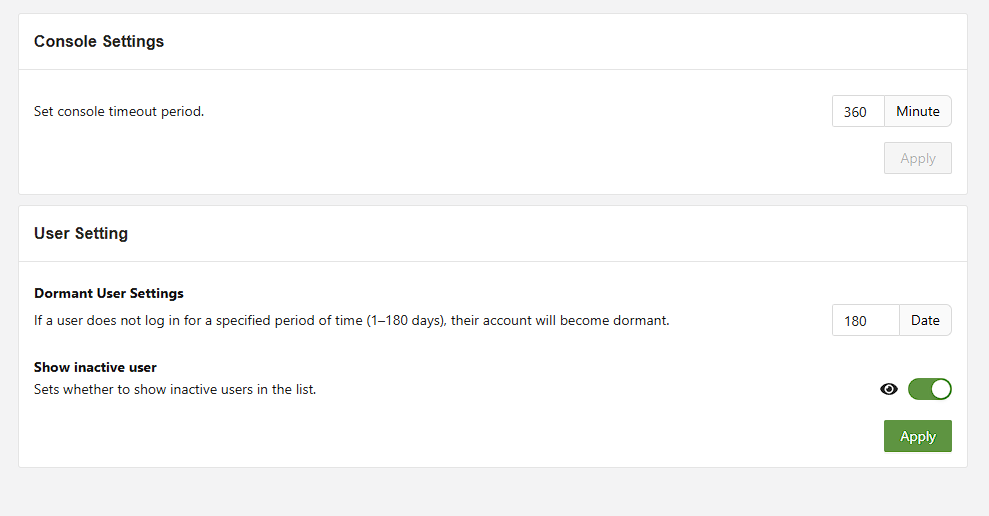
Console settings allow the administrator to configure how long it takes for the console to time out while idle. The minimum time is 3 minutes.
Dormant Account Settings allow the administrator to set dormant accounts if a user doesn't log in for a period(1-180 days).
Show incactive user will show all the inactive users.
A dormant account will need to reset their password to have account rights returned.