Configuring User Groups
Creating a User Group
To create a user group, there doesn't need to be any users active yet. The only required information at this stage is the name of the user group. It is common to name User Groups by function, department, or team.
To start, navigate to User > User Group > Create.
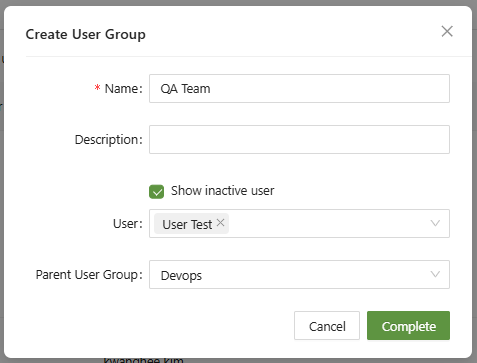
If a parent user group is added, then the new user group will be nested inside the user group selected. This is good for sub-teams of larger departments.

Lastly, "Show inactive user" is used to display accounts that have become dormant. This can be configured in Settings > Login Settings > Console.
Applying User Groups
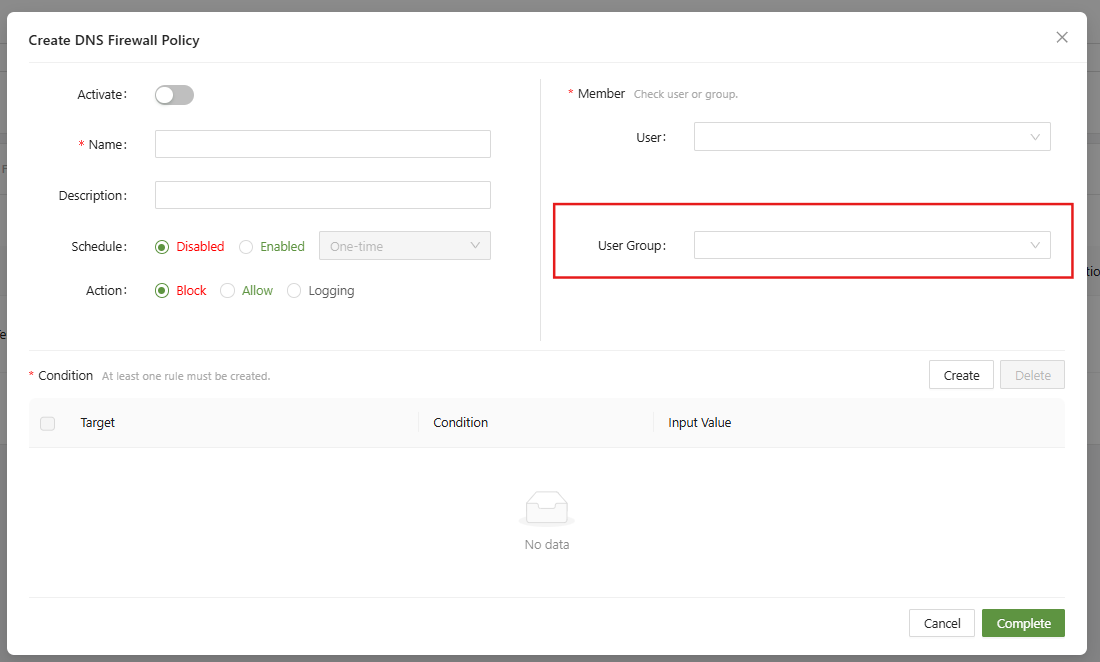
User groups can be applied in all the usual places that users can. This includes but isn't limited to:
- Web Policies
- DNS Firewall
- Connector Agent Profiles
- CASB Settings
- RBI Settings
- Log Filters
- ZTNA Policies
Example: