Users in Practice
Users can be applied to practically every section of the SSE. To start applying policies to a user, follow the Configuring a User/Manager guide first.
Creating a user will accomplish two main tasks:
- It will create a connector agent profile.
- It will allow the user to be applied to policies.
Connector Profile
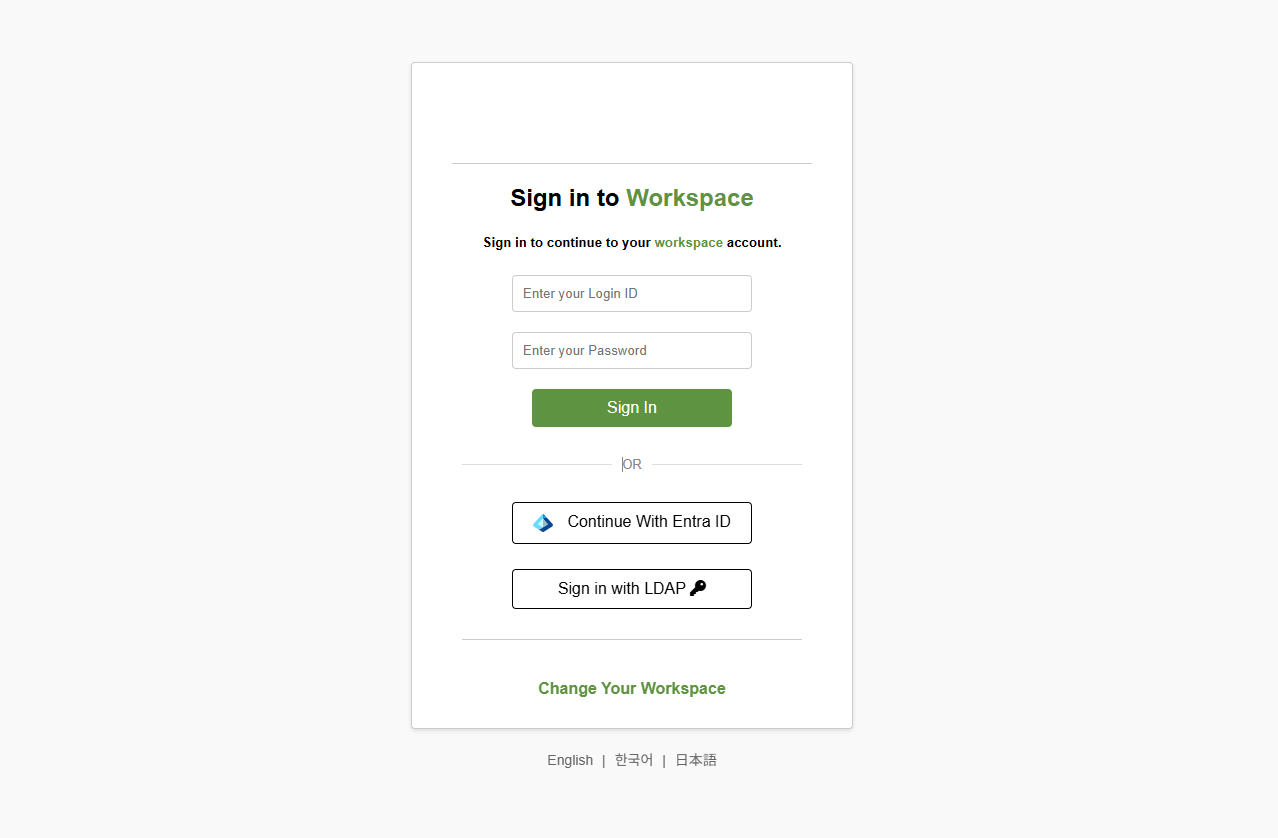
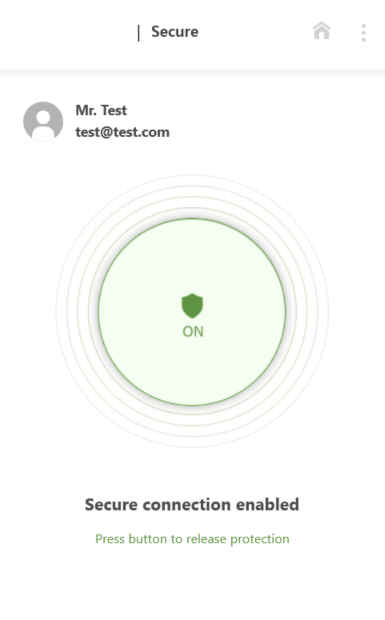
After creating a manager/user, the login credentials input there will be applied to the connector agent.
Applying a user
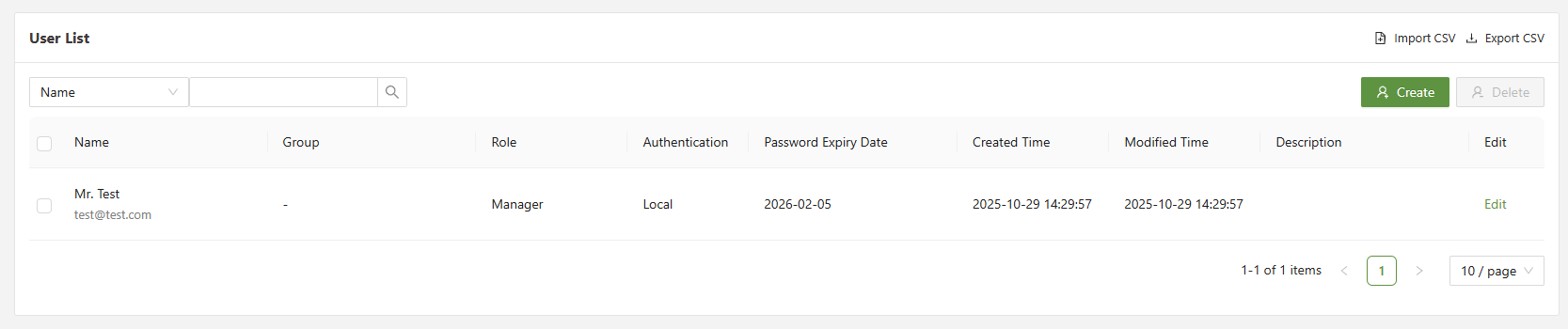
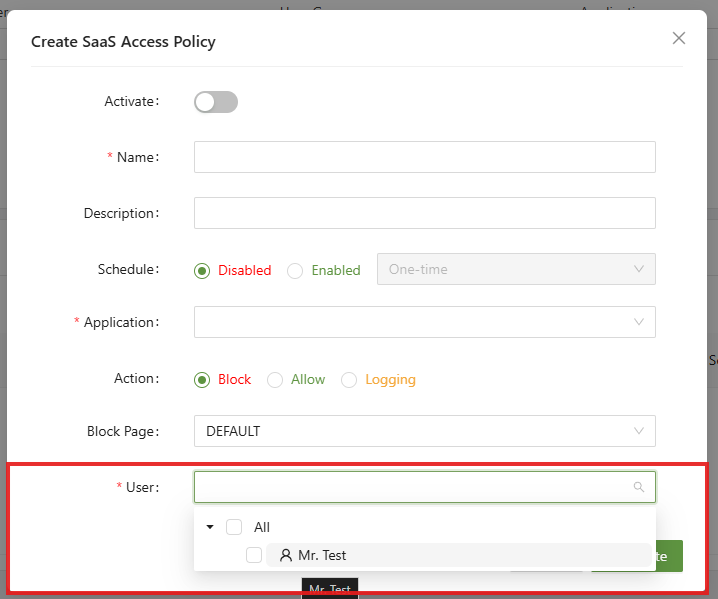
After creating a user/manager, they will be available to be applied to any policy.
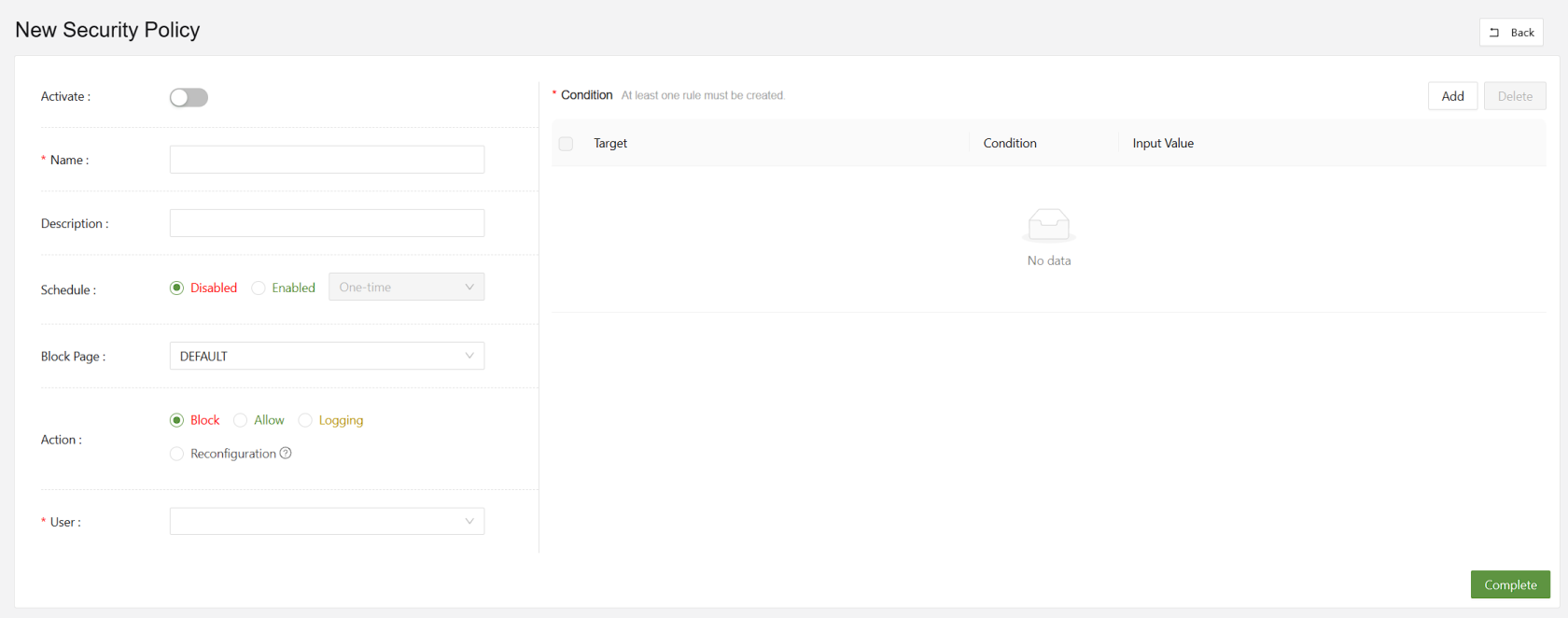
Below are a series of examples of places users/managers can be applied to:
Web Policy
SaaS Access Policy