Tunnel Overview
This page is used to configure access to the business application servers that are to be routed through the AIONCLOUD system. It consists of the Server and Gateway submenus. For more information on how to configure this, please refer to the Connector Guide page. On this page, we will provide an overview of Server and Gateway tunnels.
Server
The Server sub-section page provides the ability to set up a single server to tunnel through the AIONCLOUD Edge. This requires that the server has the AIConnector for servers installed.
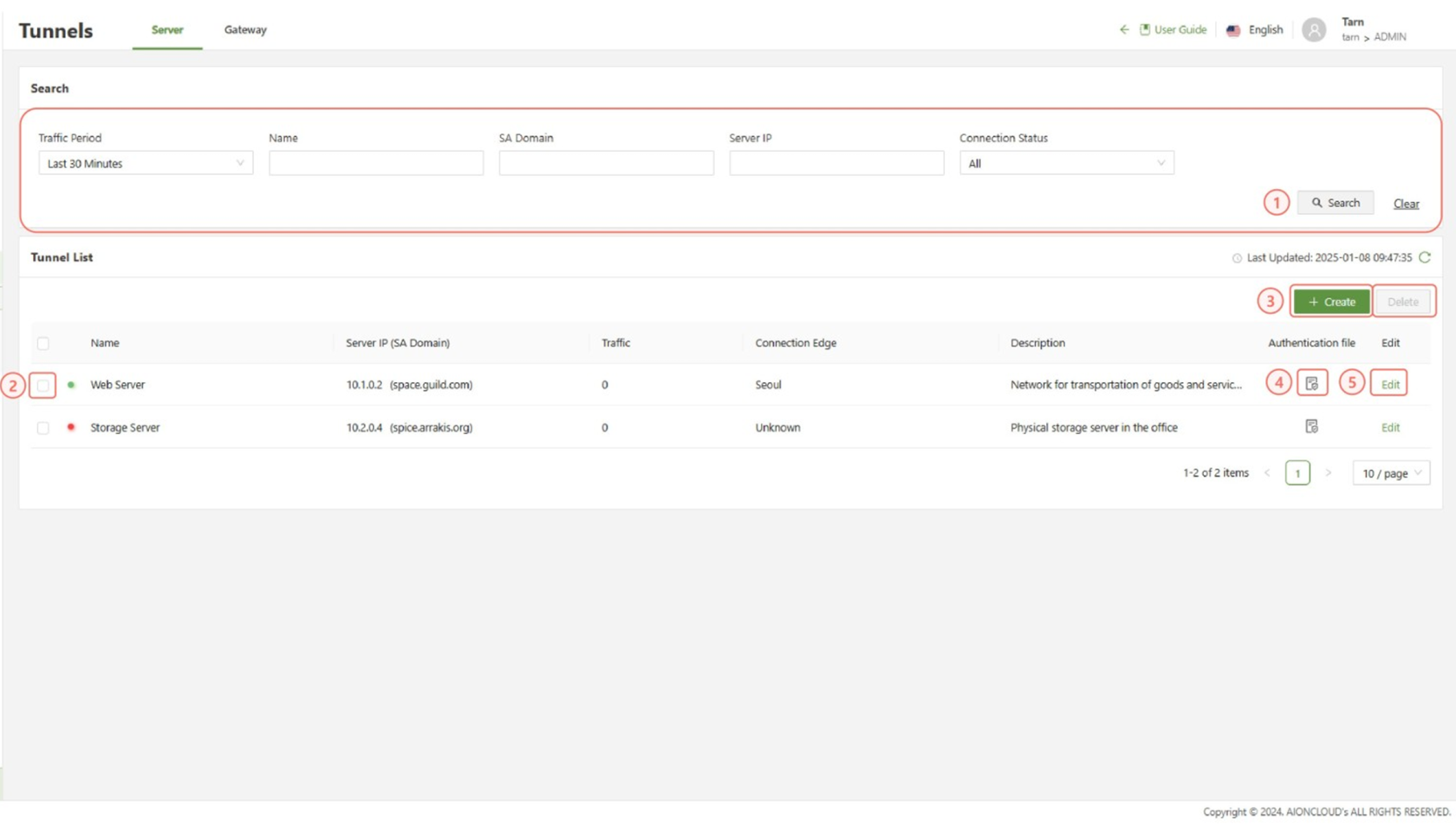
The following information is provided to give guidance on the purpose of each section:
| Search | Filter the list of server connections that have already been created. |
| Checkbox | Used in conjunction with the delete button in order to delete one or multiple selected server tunnels |
| Create | Used to access the “Create Tunnel” form |
| Authentication File | Will download the authentication file for the server tunnel Before installation of the AIConnector for Server on a server, the Authentication file must be uploaded to the same directory as the installation file. |
| Edit | Used to access the “Edit Tunnel” form |
Gateway
Gateway is currently only supported on Ubuntu version 22.04
The Gateway sub-section is used to register multiple servers under a single gateway. Instead of installing AIConnector on each server, install the AIConnector for Servers on only the gateway to establish a tunnel with the Edge.
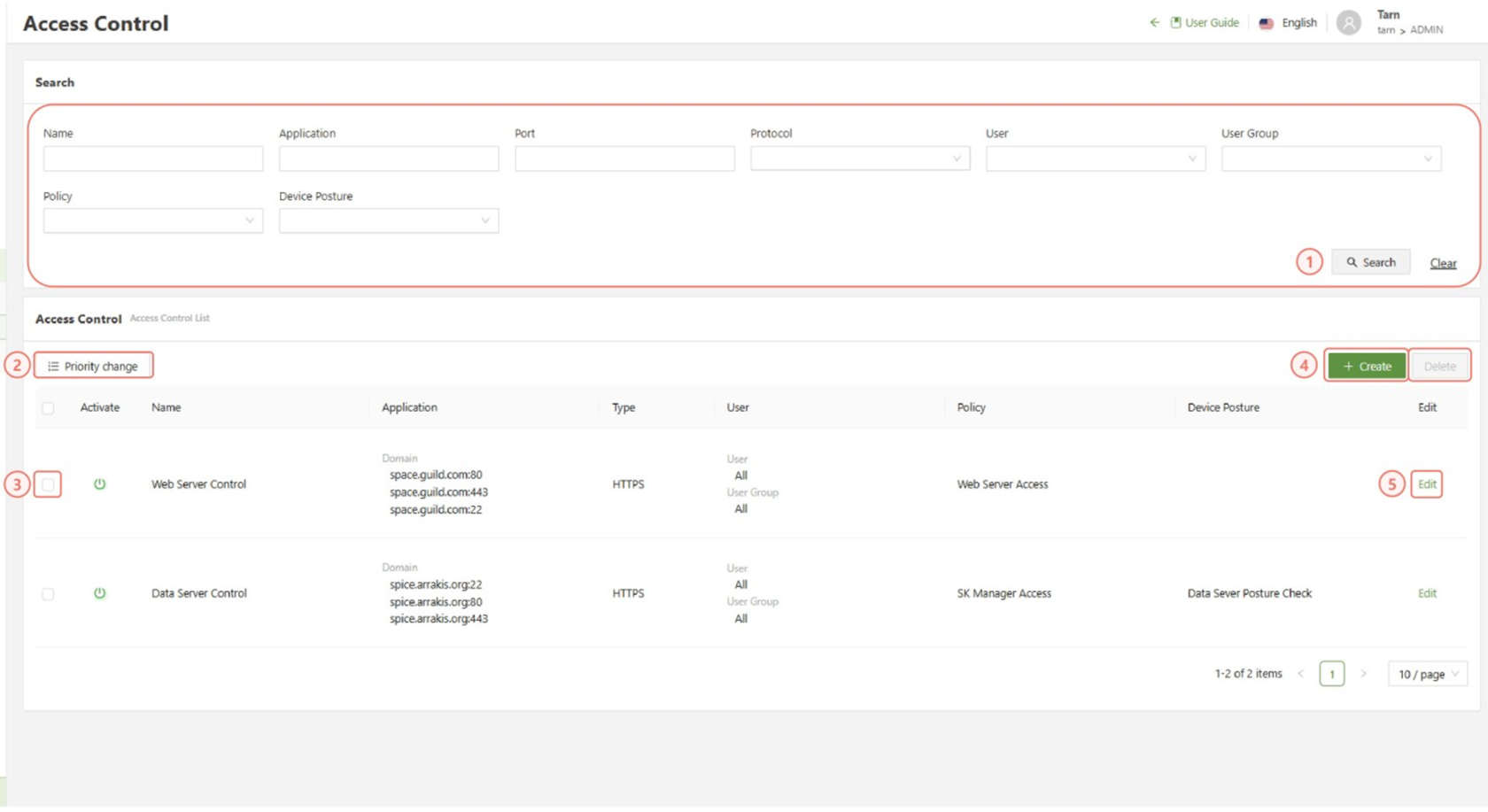
The following information is provided to give guidance on the purpose of each section:
| Search | Filter the list of gateway connections that have already been created. |
| Checkbox | Used in conjunction with the delete button in order to delete one or multiple selected gateways |
| Create | Used to access the “Create Gateway Tunnel” form |
| Authentication File | Will download the authentication file for the server tunnel Before installation of the AIConnector for Server on a server, the Authentication file must be uploaded to the same directory as the installation file. |
| Edit | Used to access the “Edit Gateway Tunnel” form |
| Details | You can click the V icon to view the gateway tunnels server list. |