Group Configuration Guide
IP Groups
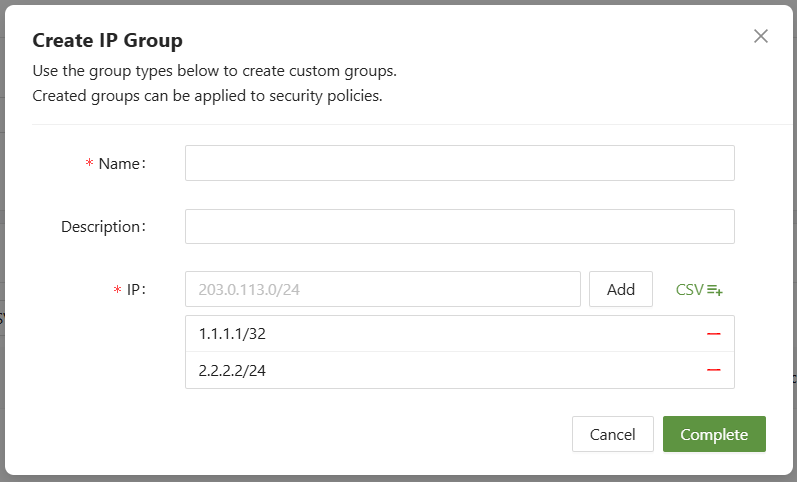
IP groups are accessed via the IP tab on the top of the console within Groups. It allows the administrator to add IPs to a list including the CIDR notation.
For example: 203.0.113.0/24
Host Groups
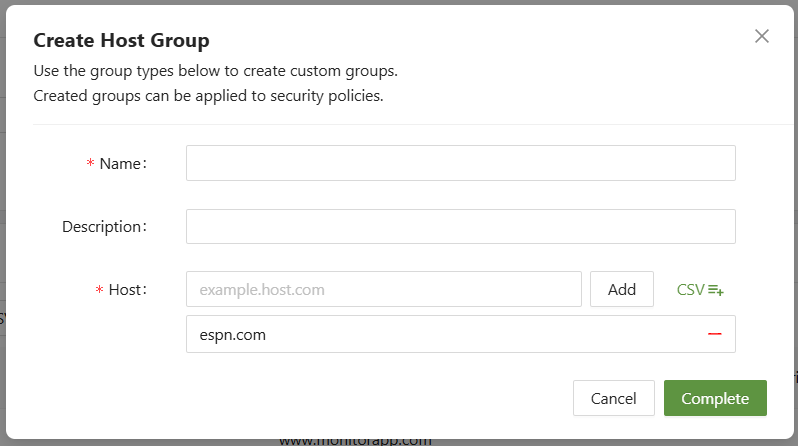
Host groups are accessed via the host tab on the top of the console within Groups. It allows the administrator to add hosts to a list.
For example: host.com| example.host.com
URL Groups
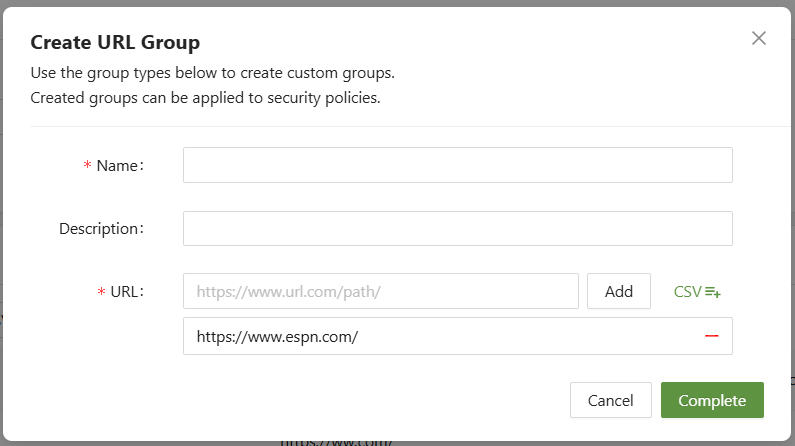
URL groups are accessed via the URL tab on the top of the console within Groups. It allows the administrator to add URLs to a list.
For example: https://www.espn.com| https://www.google.com/search
Path Groups
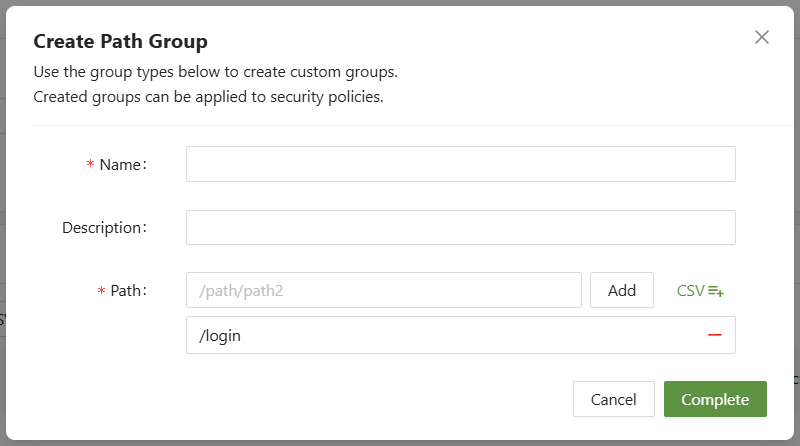
IP groups are accessed via the IP tab on the top of the console within Groups. It allows the administrator to add paths to a list.
For example: /search | /login
Value Groups
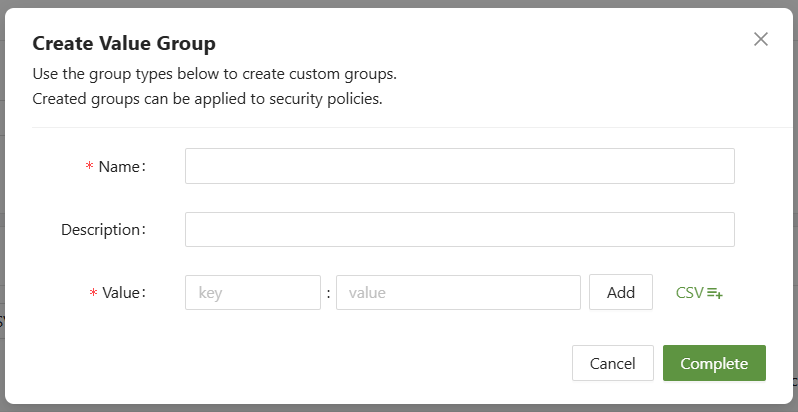
Value groups are accessed via the value tab on the top of the console within Groups. It allows the administrator to add key - value pairs to a list.
For example: key=value
Once a group has been configured, it will be available for selection in any "in list" or "not in list" sections of conditions:
