User View
The user view shows the details of all users currently connected using the Connector Agent. This list is both sortable and filterable using the search menu at the top of the list.
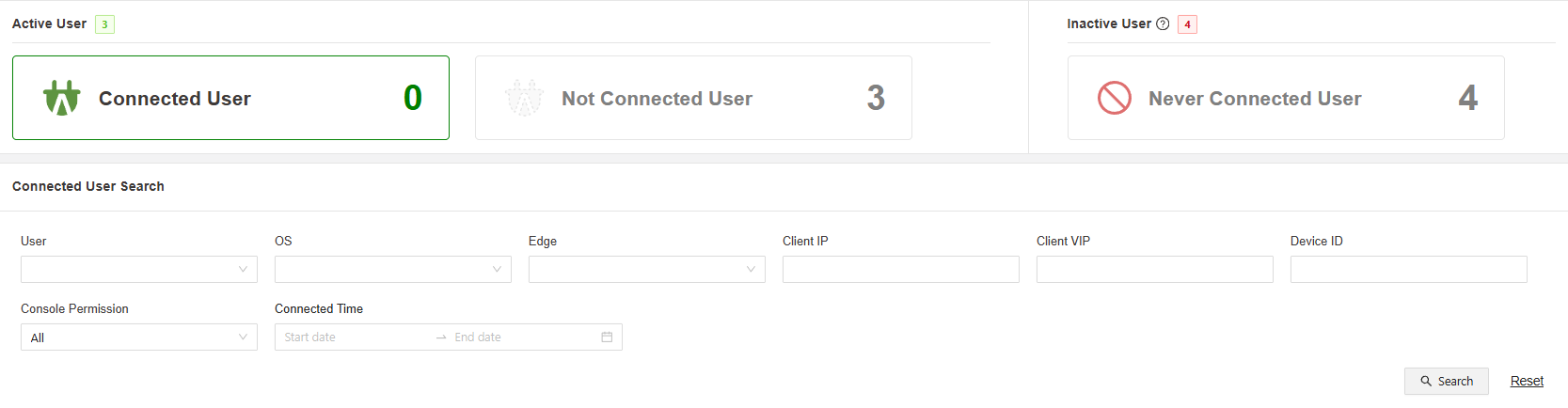
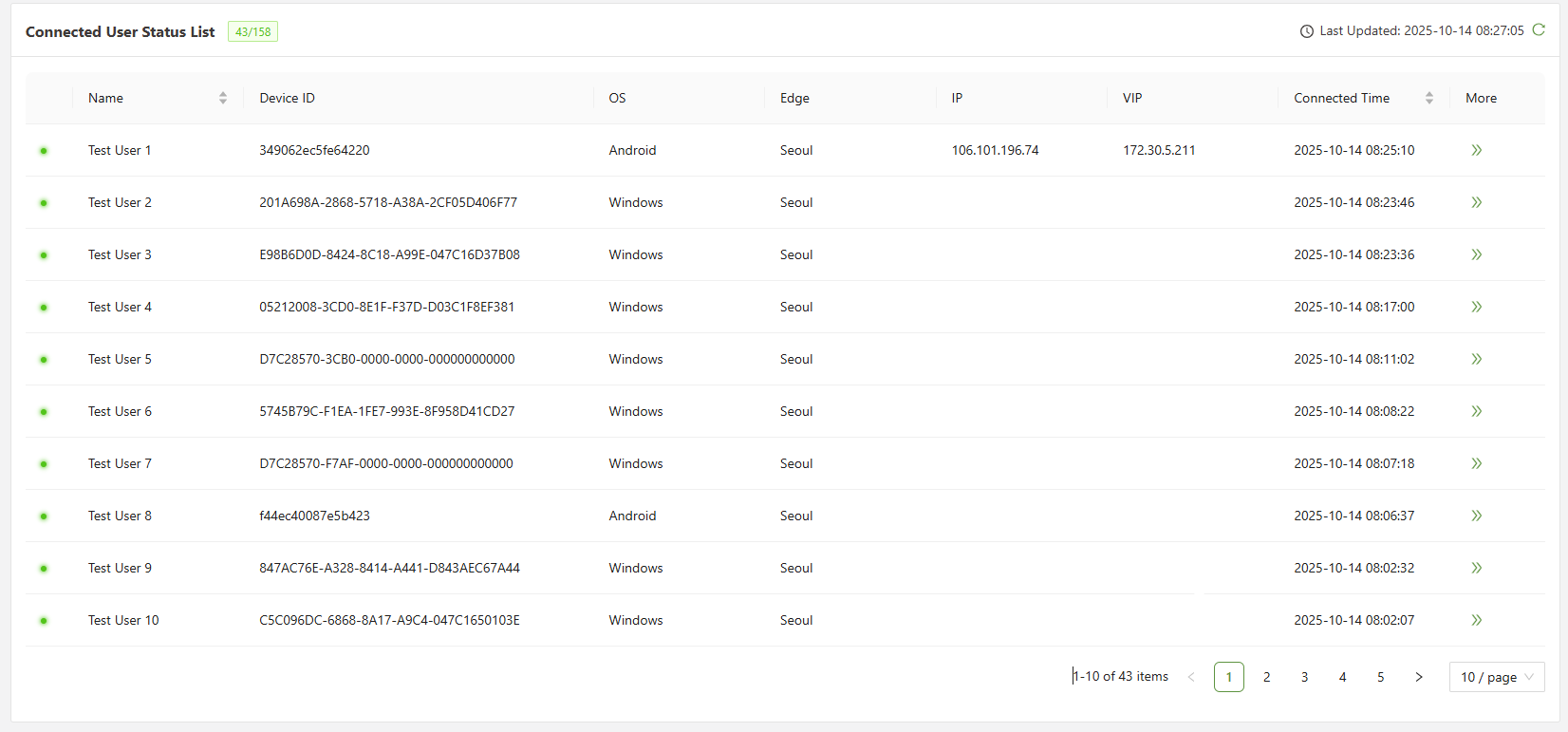
The connected user status list will show the following information:
| Name | The username of the user logged in |
| Device ID | The unique identifier for the device currently connected via the agent |
| OS | The operating system currently being used |
| Edge | Which edge location traffic from the user's device is being routed through |
| IP | The IP address of the users location being used to access the internet |
| VIP | The virtual IP assigned by the connector agent which acts as a gateway for traffic leaving the users device |
| Connected Time | Shows the most recent time that the user in question connected to the agent |
Clicking on the arrows to the right of the information will change the page directly to the User Analytics page for that direct user.